Every academy runs on follow-up: the welcome, the nudge after a first win, the rescue when someone goes quiet, the congratulations at the finish line. Done by hand, each is a thing you remember or forget. The automation engine turns each into a rule — written once, fired every time, logged.
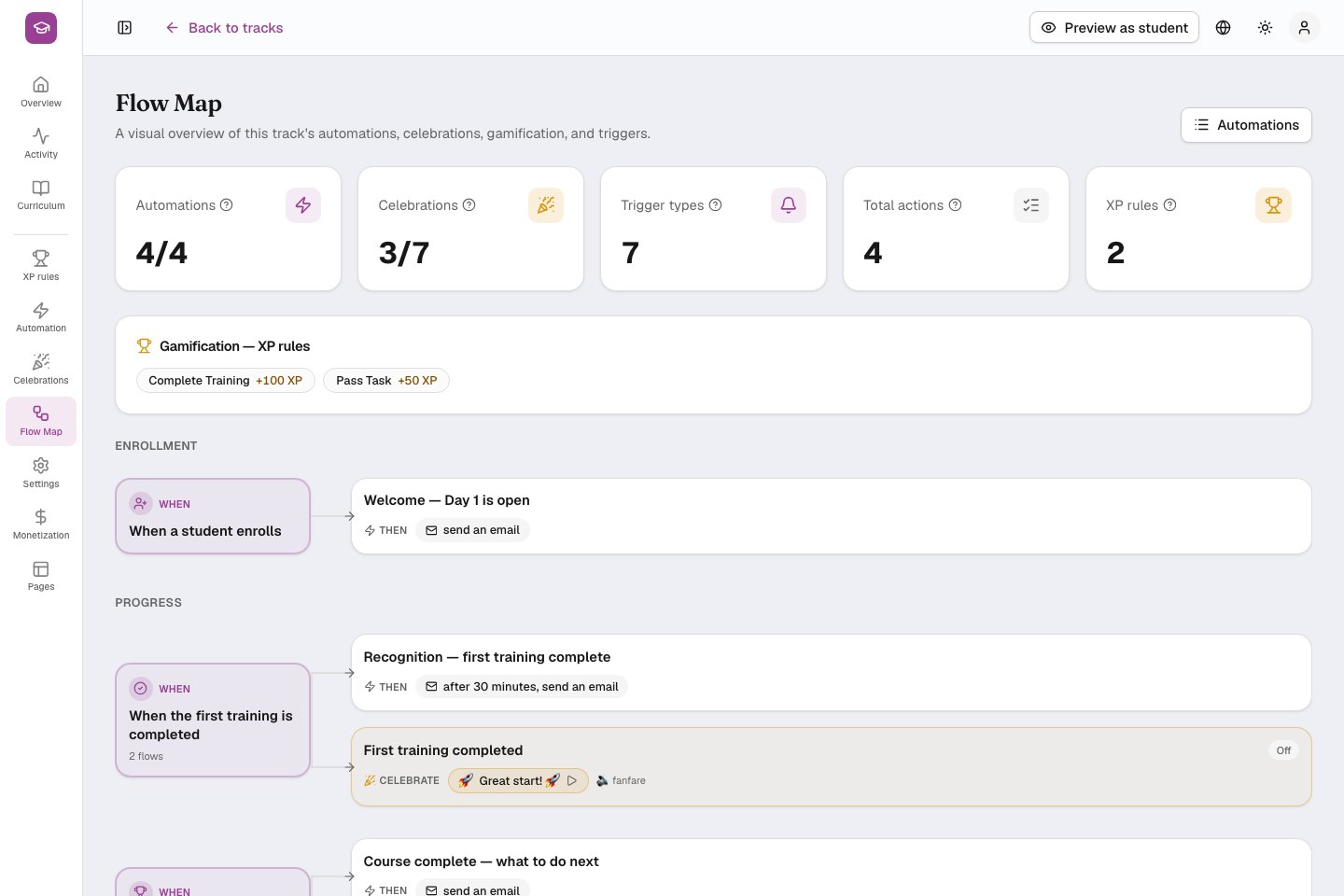
When → If → Then
An automation is one sentence. When something happens — a student enrolls, finishes their first or last training, completes a module or the course, hits an XP milestone, submits work, goes quiet for a week, a purchase or a refund lands, a countdown hits two days left, a webinar viewer passes 50% watched. If your conditions hold — has a tag, reached an XP floor, enrolled in a given course. Then it acts: send an email or a DM, add or remove a tag, award XP, grant a badge, unlock a training or a module, enroll them in another of your courses, issue a certificate, fire a celebration, call a webhook. Actions chain with per-step delays, so one trigger can carry a two-week sequence.
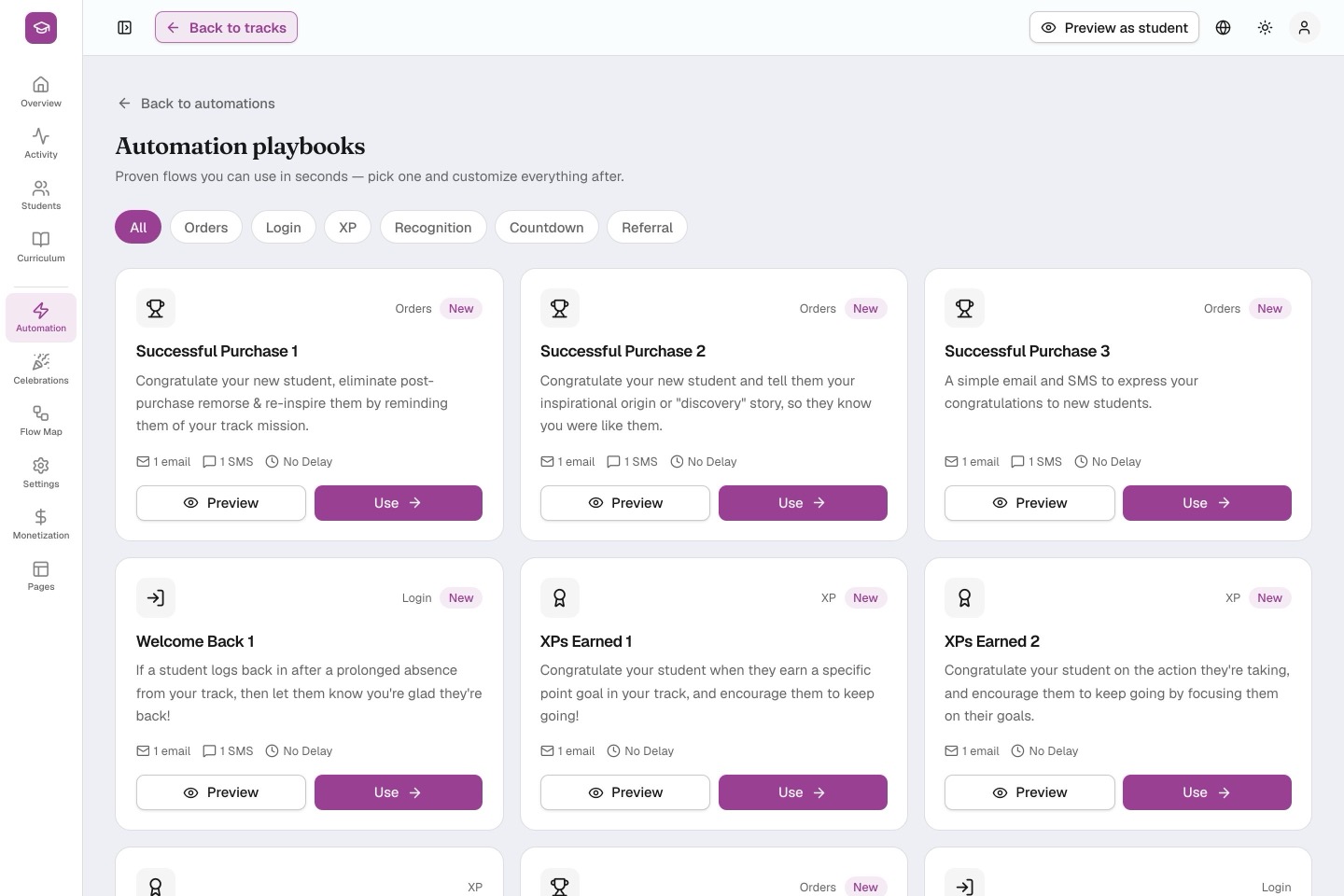
Start from a playbook, not a blank editor
A library of more than twenty ready-made playbooks ships in the box — welcome sequences, student rescue, recognition after a first win, countdown urgency, referral asks, the completion certificate — each with real email copy you edit rather than a blank template you dread. A starter pack adds the essential four in one click.
Set defaults once, at the account level
The Engine holds your account-level defaults: the celebrations and automations every new course inherits automatically, until a course deliberately overrides them. Build your fifth course and it is already wired — welcome, rescue, completion — before you've opened its automation tab.
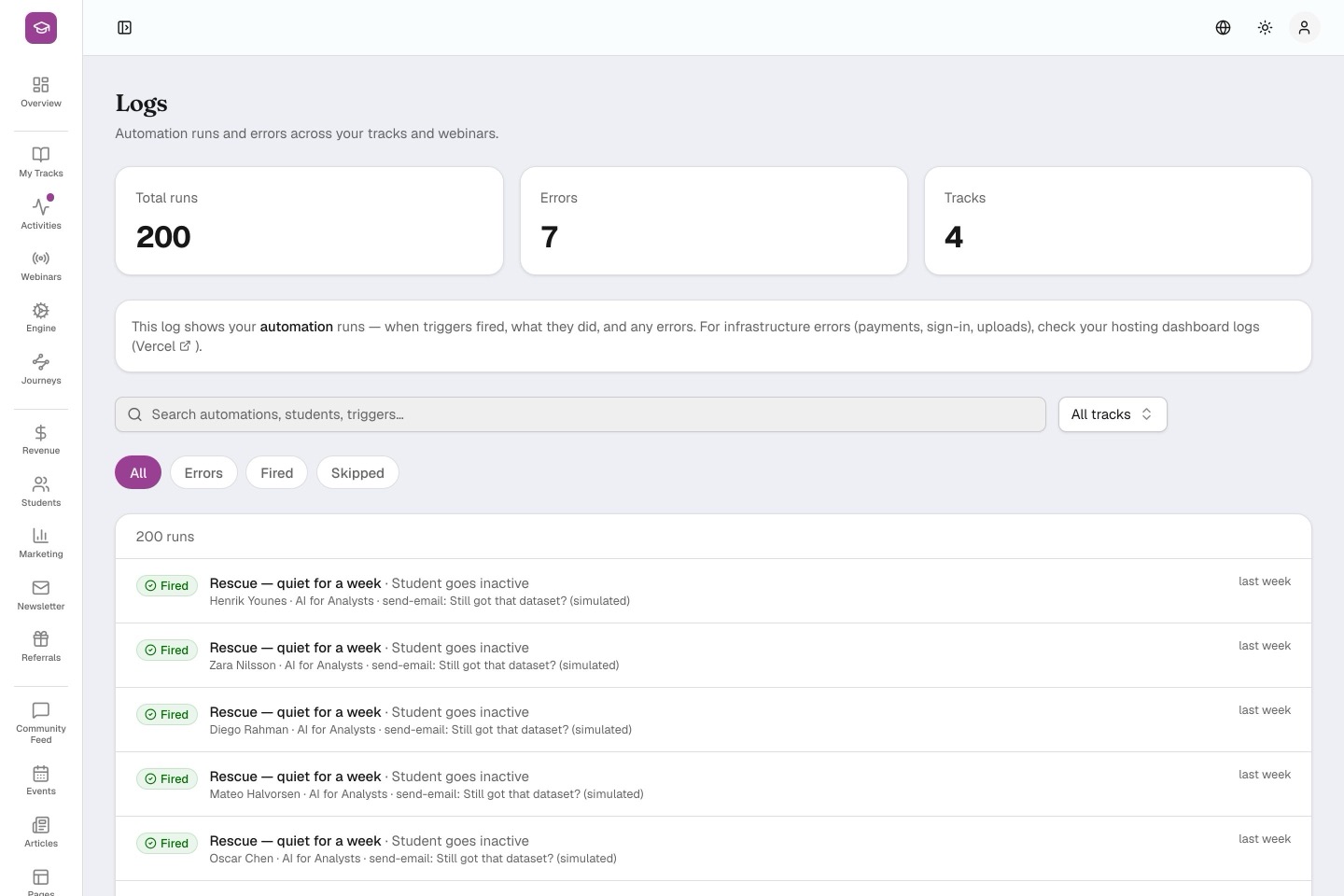
The log is the trust layer
Every run is recorded: what fired, for whom, with what result — including failures, which show up honestly instead of disappearing. A separate Journeys map draws the whole academy's sends in one picture, including the built-in emails, so "what exactly does a new student receive?" has a visual answer.